
NAPEO
Most PEOs have already put AI in front of staff: a chatbot answering benefits questions, a drafting assistant for handbooks, maybe a compliance lookup tool. Fewer have moved past that first layer into workflows that actually compound.
Gartner’s October 2025 research found that 88% of HR leaders have not yet realized significant business value from their AI investments. That matches what we hear working with PEOs directly: they tried a chatbot, got modest value, and stalled. The tools that move the needle further look different.
UNDERSTANDING THE ADOPTION CURVE
AI tools for a PEO fall along a spectrum, not a hierarchy of good versus bad options.
- Chat. Someone asks a question, the system answers. A smart place to start. A benefits chatbot answering “what’s my deductible” is low risk and immediately useful.
- Workflows. A defined sequence that triggers on a condition: if X happens, do Y. Done well, it handles structured, repeatable work. The failure mode isn’t workflows themselves, it’s building that logic too rigidly. One hard-coded for a single file format breaks the moment a census file shows up as a scanned PDF from one client and a spreadsheet from another.
- Agents. Systems that read context across unstructured, variable inputs and carry a task through several steps to an output. A census intake agent might get a scanned PDF from one client and a spreadsheet from another, decide how to read each, and flag a missing date of birth instead of guessing. That judgment call is where harder problems get solved.
None of these are inherently superior. The mistake is matching the wrong one to the problem: chat where judgment is needed, or a rigid workflow where flexibility was the point.
WHERE TO AIM: BUILDING A SYSTEM AROUND ONBOARDING
There are legitimate use cases across all three categories, from policy chatbots that cut routine tickets off an HR generalist’s desk to fully agentic onboarding steps.
But the important part isn’t which category you start in. It’s finding use cases that work together as a system, not isolated tools solving one narrow problem. For most PEOs, that system shows up most clearly during client onboarding, when an entire workforce moves off its prior benefits and onto the PEO’s master plans on a tight timeline.
A clear example of this is the onboarding chain:
- Census normalization reads a new client’s existing employee files, whether a scanned PDF, a photo, or a spreadsheet from their prior provider, and structures the fields into a single schema the PEO’s system can use.
- Plan comparison lines up the client’s prior plans against the PEO’s master plan options, using that same clean data, so the client can see what’s changing.
- Contribution modeling tests contribution strategies under the new plan structure and shows the cost impact of each before the client commits.
Census sits at the front because every step after it depends on that data being accurate. Clean it once and it stays clean through the chain; get it wrong and the error copies downstream. That’s why census is such a common entry point: not mandatory, but a fix at this stage compounds, especially on a tight onboarding timeline.
The same logic holds beyond benefits, in the same onboarding window. Workers’ comp census automation applies it to class codes and payroll data. SUI/SUTA obligation review flags which states require registration as a new workforce comes on board.
EY’s Cost Update study put the cost of manually processing one employee’s benefits enrollment at $89, including data entry, corrections and follow-up. That cost multiplies fast when an entire workforce onboards at once, which is exactly when clean data upfront matters most.
HOW TO ACTUALLY GET THERE
The path to a working system starts with a pilot: one well-scoped workflow tested with a small group before rolling out broadly.
Scope a real pilot. Pick one well-defined workflow with high volume and clear pain, like census normalization, not a vague mandate to “use more AI.”
Choose champions carefully. Pick users who give honest feedback, not staff who’ll say it’s fine.
Design around existing habits. An agent monitoring a shared inbox and answering routine questions beats moving a team into a new interface.
Think in systems from the start. Once the first workflow proves out, expand into the next connected step instead of an unrelated pilot elsewhere.
Frame the first version honestly. A pilot that handles most cases and flags the rest for review is a success, not a shortfall. Say so up front.
WHAT TO WATCH OUT FOR
A few risks come up often enough in this space to check before, not after, a workflow goes live.
Data privacy. PEOs handle Social Security numbers, health data and payroll records across hundreds of unrelated clients under one co-employment structure. Look for SOC 2 Type II, HIPAA compliance with a signed BAA, no model training on your data, and clear retention terms.
Hallucinations and over-automation. Both come down to the same fix: cited sources, an audit trail, and human review built into the workflow, not bolted on afterward. An AI tool that confidently states the wrong FMLA deadline is a liability, and cutting the review step because it’s usually right is a real trap. That risk compounds for a PEO, since compliance shifts by client and by state, so a tool right for one worksite employee can be wrong for another.
Platform scalability. New client onboarding can spike volume dramatically when several clients start on the same effective date. The fix isn’t testing your own workflow harder, it’s choosing a platform built to scale with that load.
THE TAKEAWAY
We’ve walked enough PEOs through this shift to see the pattern clearly: the ones getting real value from AI aren’t the ones with the most tools. They’re the ones who mapped a real operational chain, started with one connected piece of it, and built out from there with a human positioned at every point where judgment matters.
-
SHARE
- Copy to clipboard
RELATED ARTICLES
2023 DIGITAL TRENDS
Lorem ipsum is simply dummy text of the printing and typesetting industry. Lorem Ipsum has been the industry’s standard dummy text ever since the 1500s, when an unknown printer took a galley of type and scrambled it to make a type specimen book. It has survived not only five centuries, but also the leap into …
BY James Joyce
June/July 2023
AI IN CYBERSECURITY: THE GOOD, THE BAD AND BEING ON THE PRECIPICE OF A NEW ERA IN TECHNOLOGY
As you might expect with cybersecurity, battlelines are being drawn between the people creating AI solutions to help protect companies and the people making AI software that is designed to find vulnerabilities in areas designed to protect data; systems; financial and personal information; intellectual property (IP); and Industrial Internet of Things (IIoT) and other IoT devices.
BY Dwayne Smith
September 2023
ASK THE EXPERT: A Q&A WITH PAUL NASH OF BEAZLEY
Paul Nash is an employment practices liability (EPL) underwriter with Beazley. He is the EPL and Safeguard product leader for both the UK and US teams and was instrumental in developing the first SAM/SML policy issued by Beazley in 2006. He has more than 30 years of experience in the insurance. He recently spoke with Paul Hughes of Libertate Insurance about the state of the EPLI market, how he has seen the PEO industry evolve and more. PEO Insider captured their conversation.
BY PAUL HUGES
August 2023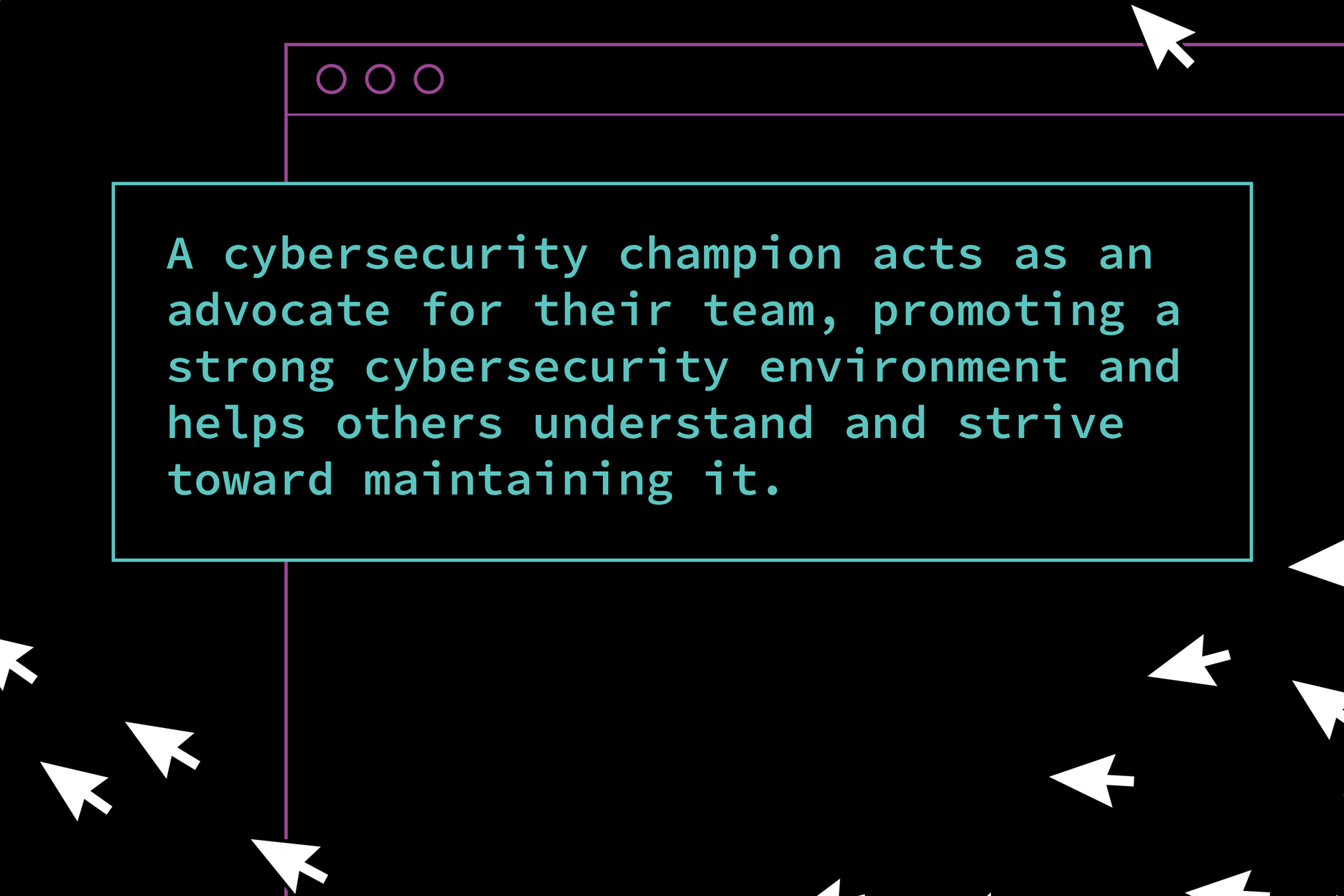
WHY CYBERSECURITY SHOULD NOT BE THE SOLE RESPONSIBILITY OF THE IT DEPARTMENT
Cybersecurity is an essential aspect of business operations, which is why it cannot be viewed as the sole responsibility of the IT department. Cybersecurity threats evolve daily and organizations can best prepare and protect themselves by taking a shared responsibility to protect the company’s assets and data.
BY Jenna Marceau
March 2023